01
Diagram as code, kept local
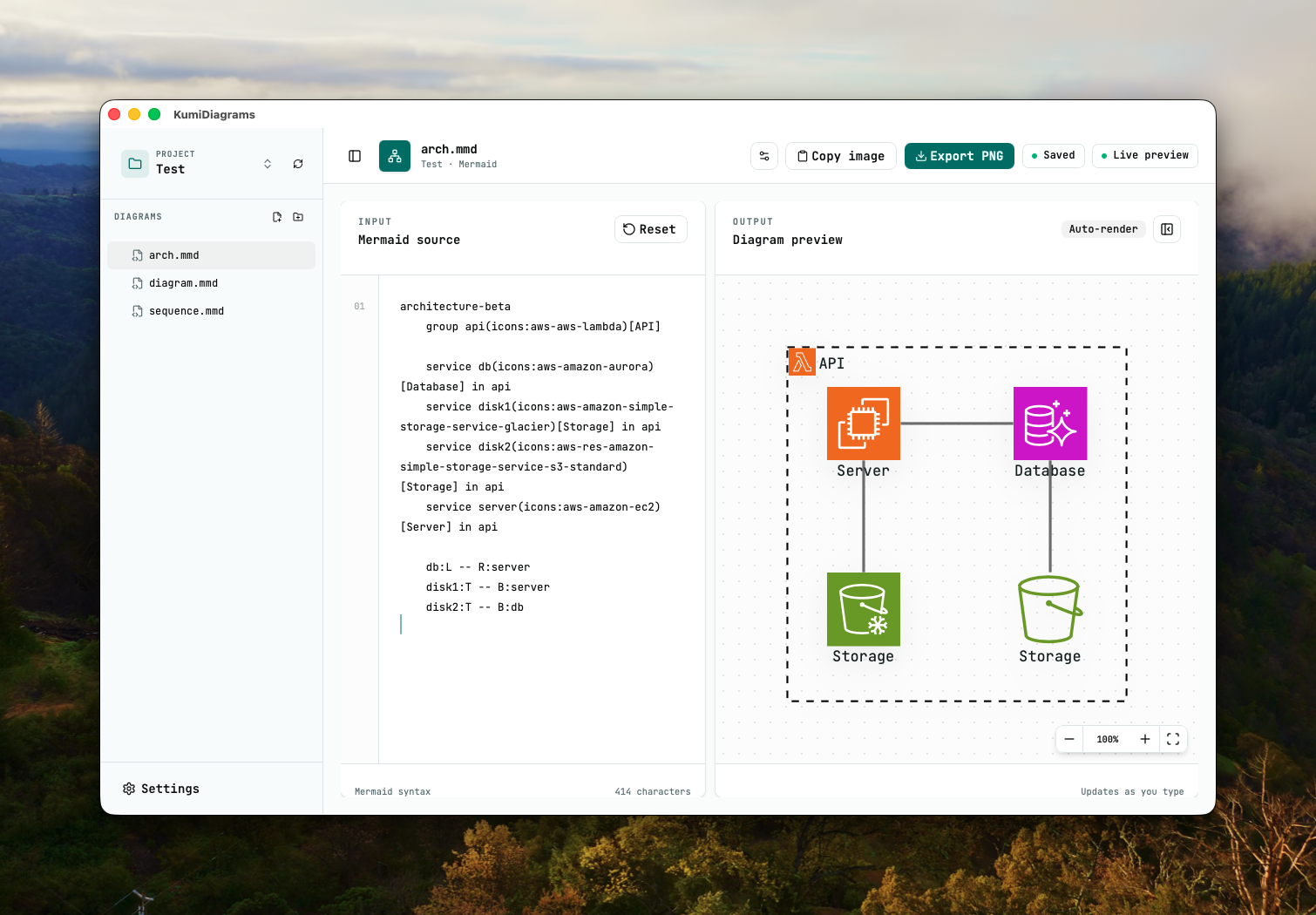
Projects are folders containing plain-text .mmd Mermaid files and optional project configuration.
Free Mermaid diagram editor
Create, preview, organize, and export Mermaid diagrams as local files—without giving up the speed of a native desktop app.
Version 0.4.0 · macOS 15+ · Apple Silicon
Built for diagram as code
01
Projects are folders containing plain-text .mmd Mermaid files and optional project configuration.
02
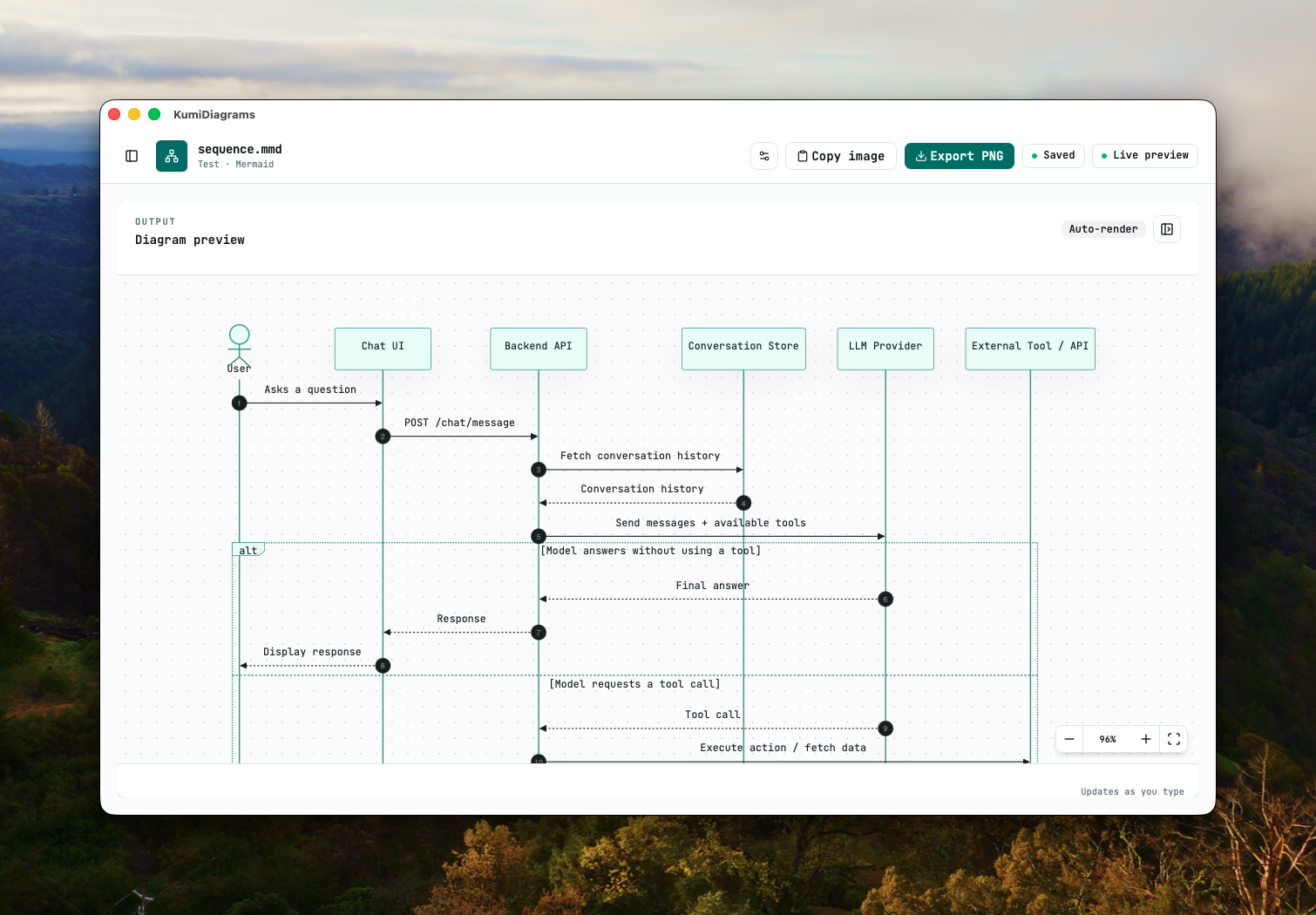
Edit source, see the preview update while you type, and surface syntax errors immediately.
03
Get contextual Mermaid suggestions for flowcharts, sequences, state diagrams, and ER diagrams.
04
Tune themes, fonts, backgrounds, Mermaid look, and connection curves globally, per project, or per diagram.
05
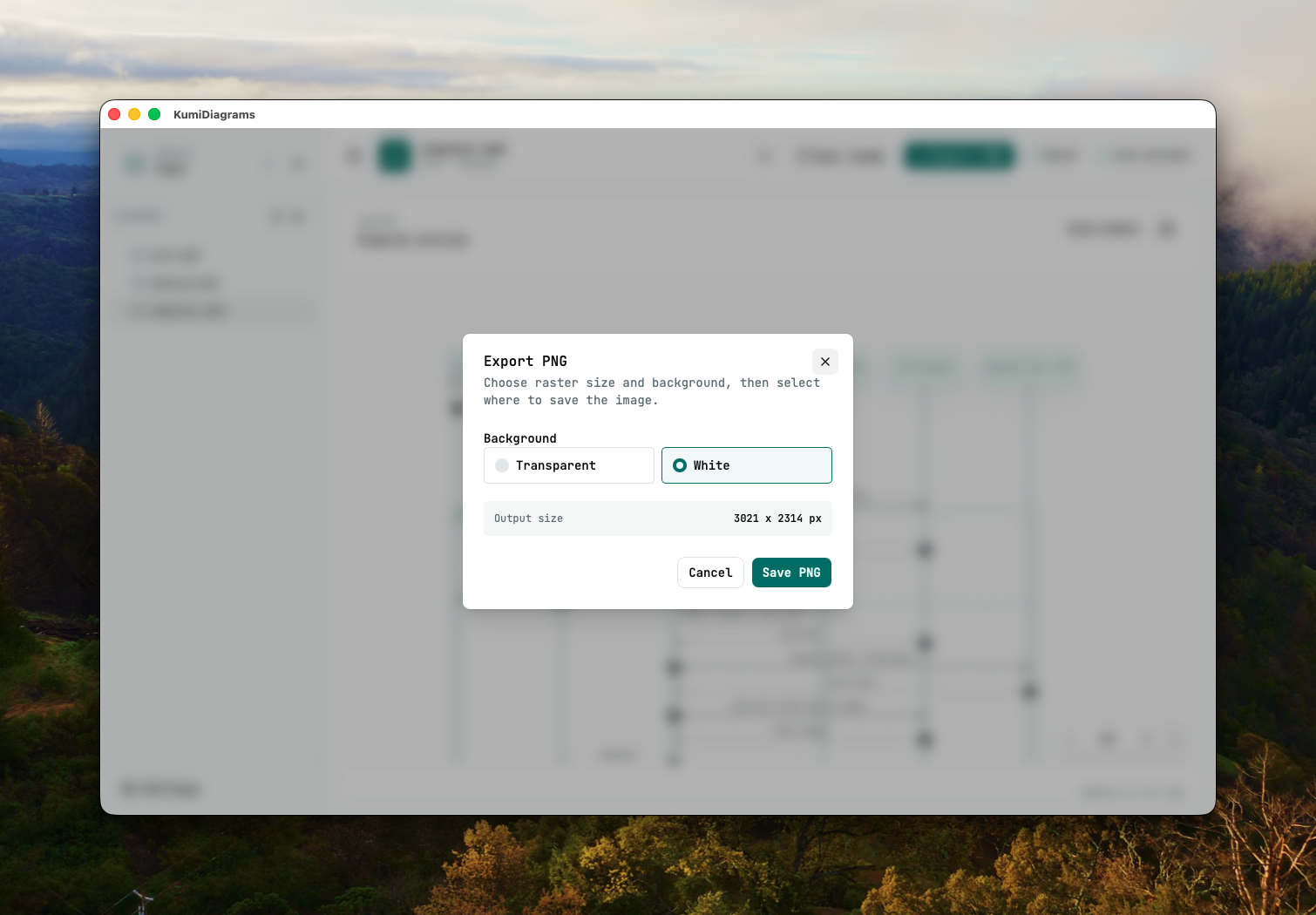
Save diagrams as PNG files or copy a rendered image straight to the clipboard.
06
Use Ollama to draft Mermaid source from a description without sending project context to an external service.
Install on macOS
KumiDiagrams currently ships for macOS 15+ on Apple Silicon. The app and your diagram files stay on your machine.
Get the KumiDiagrams DMG for Apple Silicon.
Open the DMG and drag KumiDiagrams.app into your Applications folder.
Launch it from Applications. If macOS blocks the app, clear the quarantine attribute first.
xattr -c /Applications/KumiDiagrams.app/